
Guides
- Details
- Category: Guides
Menu
- Pet Diary (宠物日记)
- Status (状态)
- Name
- Weight
- Closeness (亲密度)
- Wisdom Value (智慧值)
- Hunger
- Cleanliness
- Achievements Badges (成就徽章)
- Status (状态)
- Look After/Care (照顾)
- Feeding (喂食)
- Clean (清洁)
- Petting (抚摸)
- Treatment (治疗)
- Pet Paradise (宠物乐园)
- Games (游戏)
- Jumping Pets (跳跳萌宠)
- Eating Fruit (吃水果)
- Training (训练)
- Shake Hands (握手)
- Circling (转圈)
- Tumble (跟斗)
- Games (游戏)
Startup
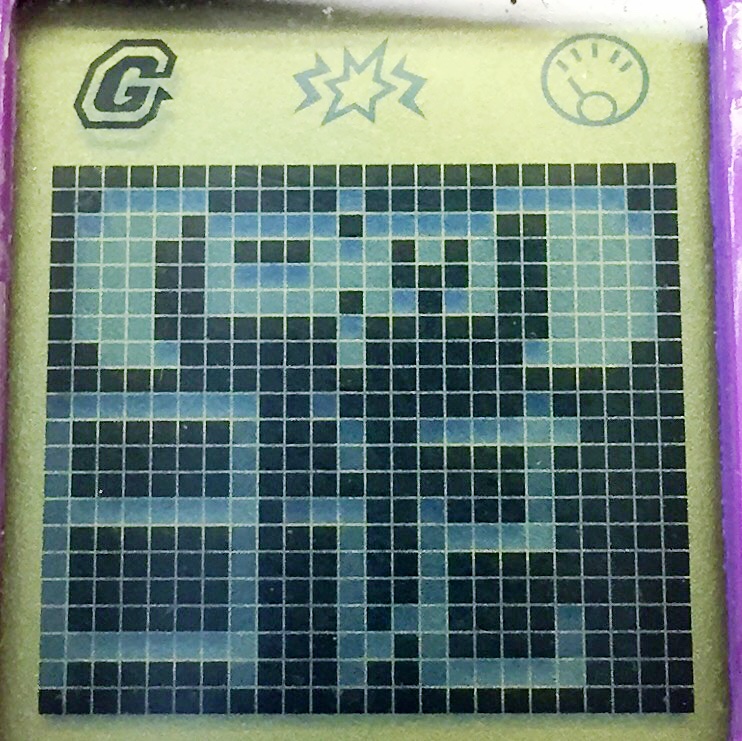
When you startup your pet, you choose from three different types of the animal. See the character chart below. You will start off with a few foods to feed your pet, but you will need to feed it, then go win more food to stock up.

 |
Pet Diary The pet diary is where the information about your pet is stored. You can check the current status of your pet as well as see your gameplay progress. |
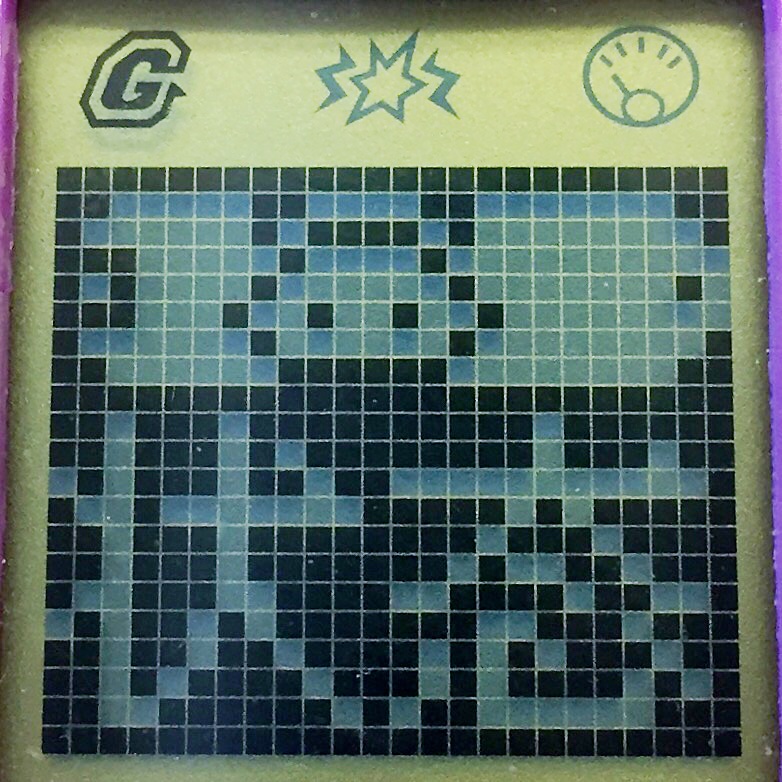 |
Status The status screen shows your pet's name, weight, closeness percentage, training score, hunger, and cleanliness. Closeness percentage is how close you and your pet are. If you neglect your pet, the score will go down. The more you care for your pet, the more the score will go up, and the more achievement badges you will be able to unlock! Training score (wisdom value) is how well trained your pet is. The more successful training sessions you have with your pet, the smarter they become, and the more training games you can unlock. |
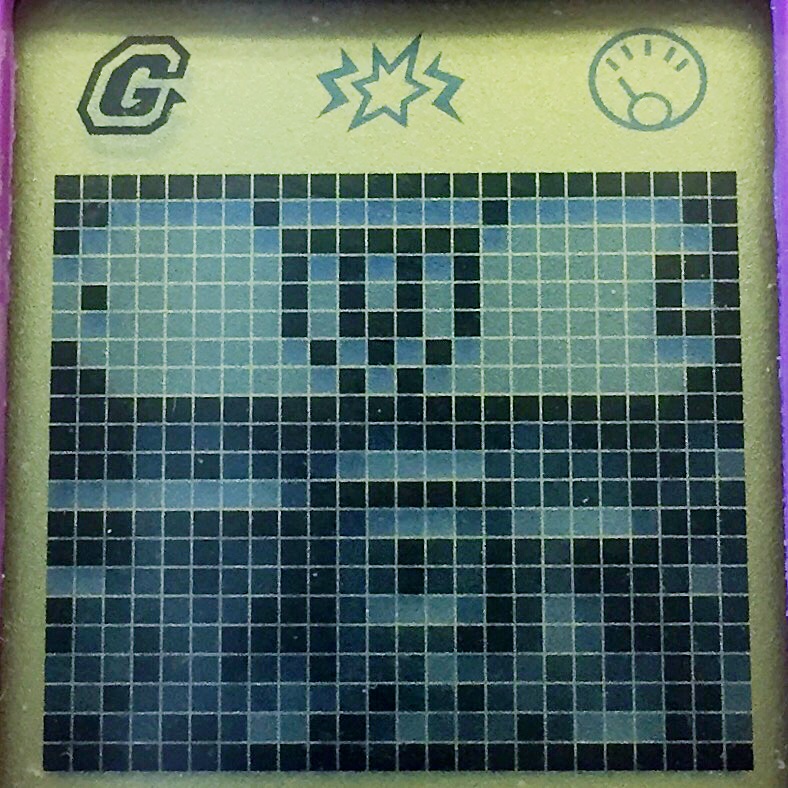 |
Achievement Badges As you play the game, you can unlock achievement badges. Rather than watching your pet grow from a baby to an adult, you work on becoming closer to your pet, and raising their wisdom. |
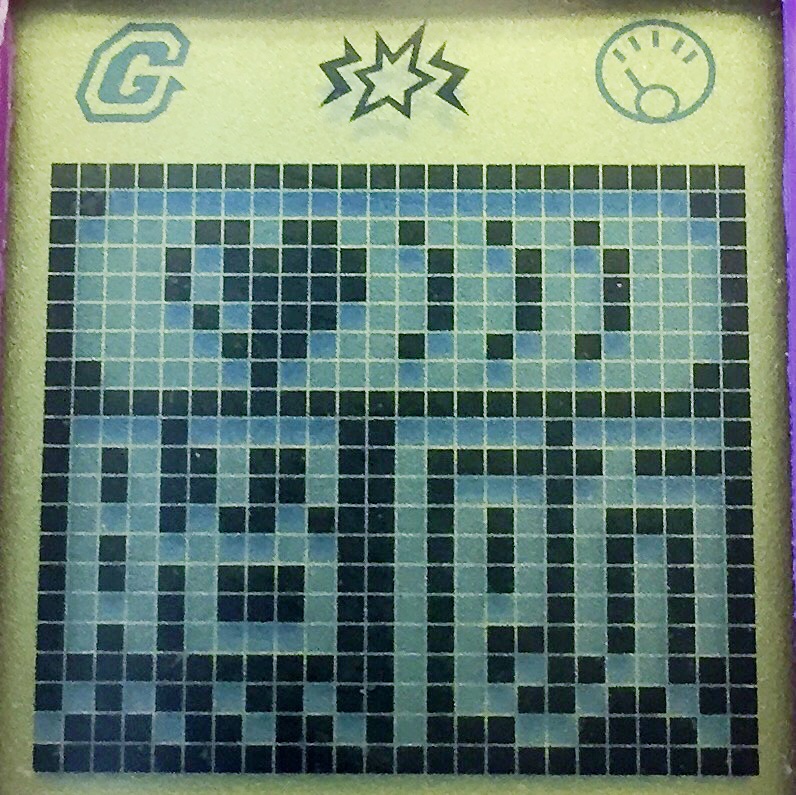 |
Look After/Care The care section is where you have options to take care of all your pets needs. |
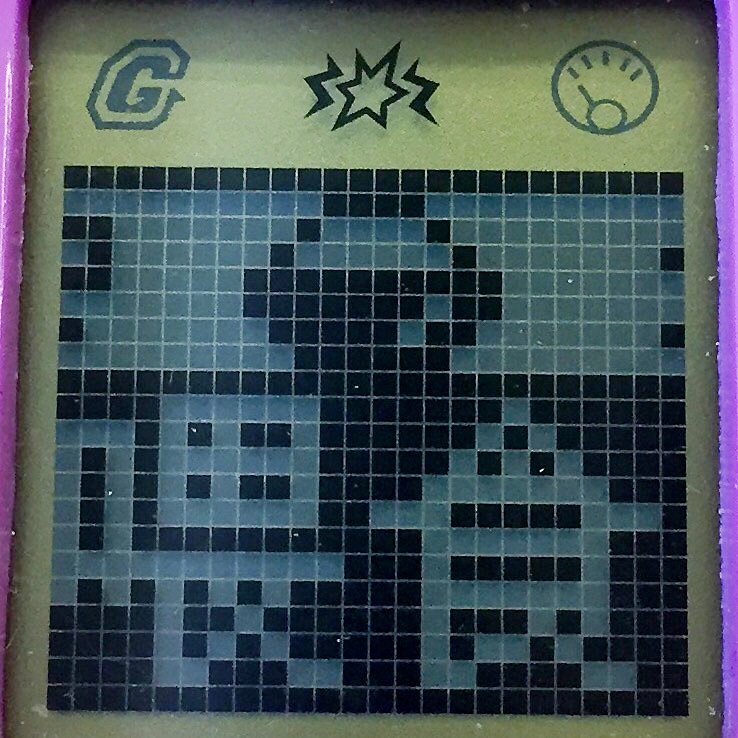 |
Feeding You can use the feeding option to feed your pet. There are five different foods that you can earn for your pet through playing games. Each food shows a number beside it to show how many you currently have in stock. Keeping your pet well-fed helps raise the closeness percentage. |
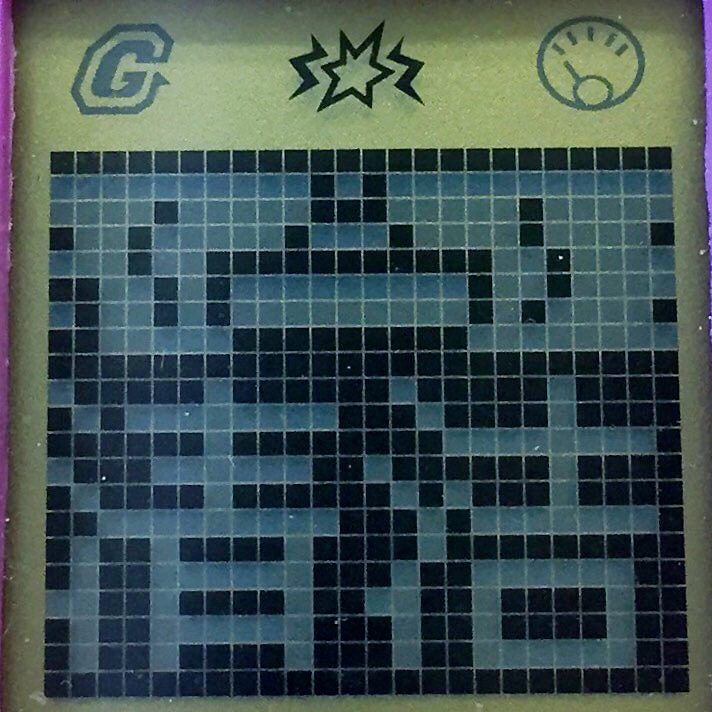 |
Clean This option allows you to bathe your pet. They will get dirty, so they need to be cleaned. They get dirty over time, but they can also get dirty quickly by training a lot. Keeping your pet clean helps raise the closeness percentage. |
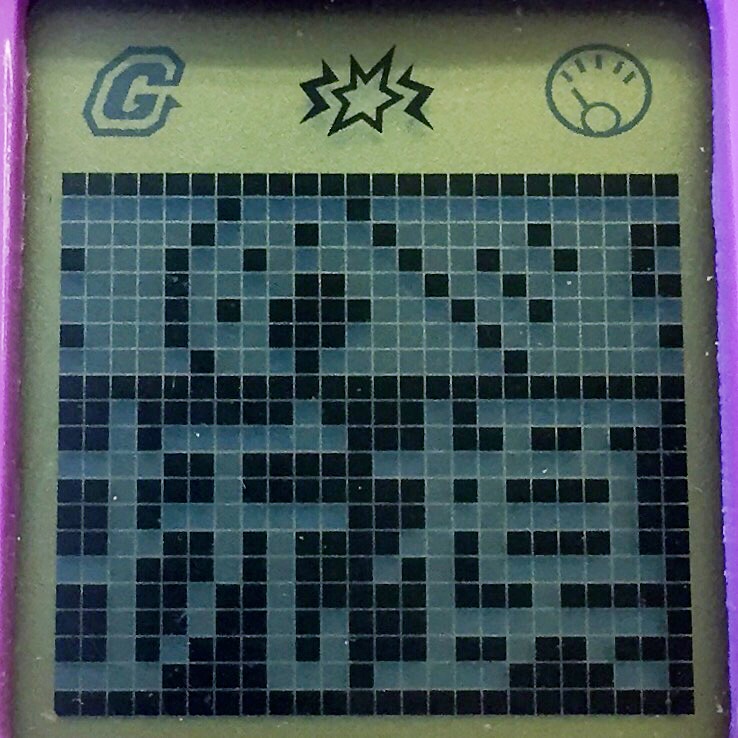 |
Petting This option allows you to pet your animal. There isn't a meter to show how much they need to be pet, but if they are empty on other meters, it takes 5 pets before they refuse to be petted anymore. Petting your animal helps raise the closeness percentage. |
 |
Medicine Sometimes your pet will get sick. This option allows you to give them a shot and heal them. Don't let them stay sick long, or they will leave you! |
 |
Pet Paradise The Pet Paradise section is where you can play games with your pet to earn food, or train them to increase their wisdom. |
 |
Games There are two games for you to play with your pet and earn food. You can get 0-5 star ratings for how well you have played the games. If you get no stars, then you win no food or closeness points. If you get 1-4 stars, you closeness points and 1 food. If you get 5 stars, you get more closeness points and 2 foods. |
 |
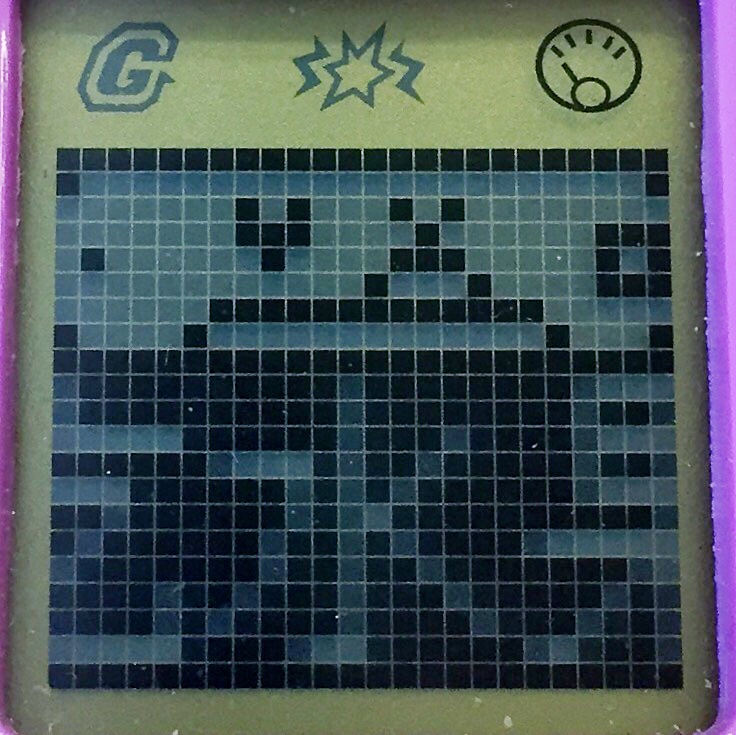
Jumping Pets is a platform jumping game where you try to avoid the questionable-looking rods that move back and forth beneath the platforms. Platforms can have either a heart or skull on them. Collect the hearts, and avoid the skulls to win. Use the A or C buttons to move left and right. Press the B button to jump to the next platform. |
 |
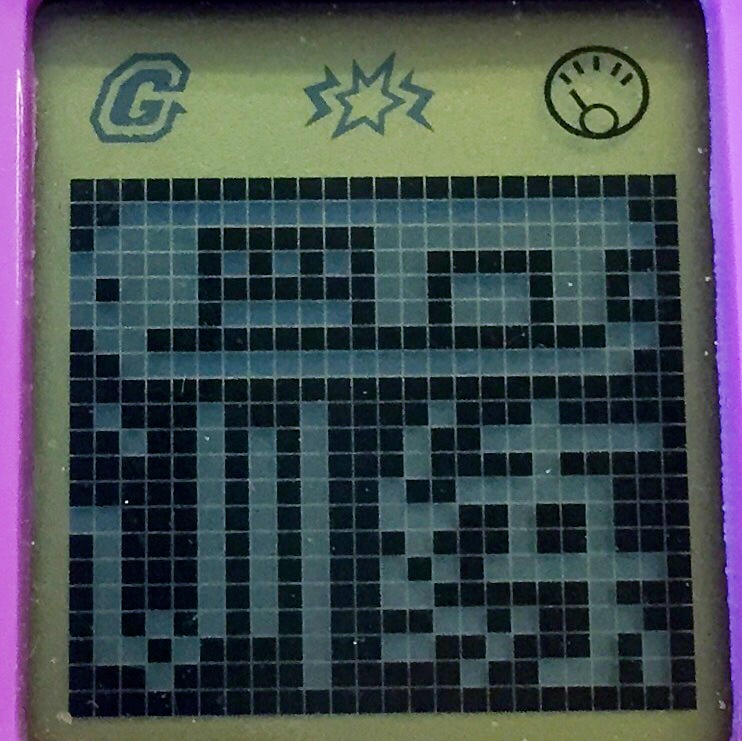
Eating Fruit is an elimination game where fruit descends on the screen, and you have to select the fruit type to eliminate. Clear the screen before any fruit hits the bottom line. You have 5 "lives" for selecting a fruit that isn't currently on the screen. If you use all your lives or a fruit hits the bottom line, the game is over. Use the A button to change the fruit type, and press B to eliminate that fruit. |
 |
Training The training section is where you increase the wisdom of your pet. You start off with two training games, then as your score increases, you can unlock more. Each successful training will earn your pet 10 wisdom points. If you are not successful, you will earn no points. |
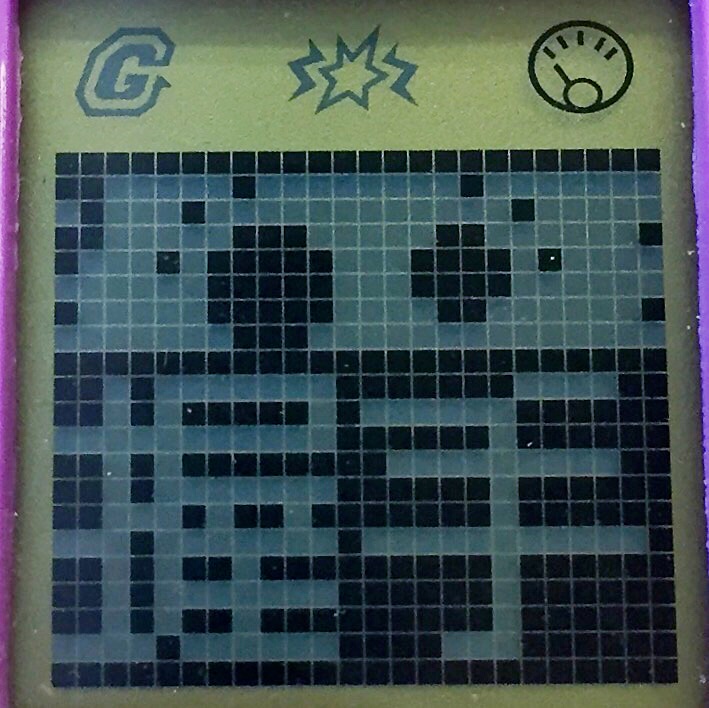 |
To play Shake Hands, press the corresponding button to which direction your pet's paw is. For some reason, the rabbit pet's left and right is switched, so if you see it's paw pointed right, press the A button. |
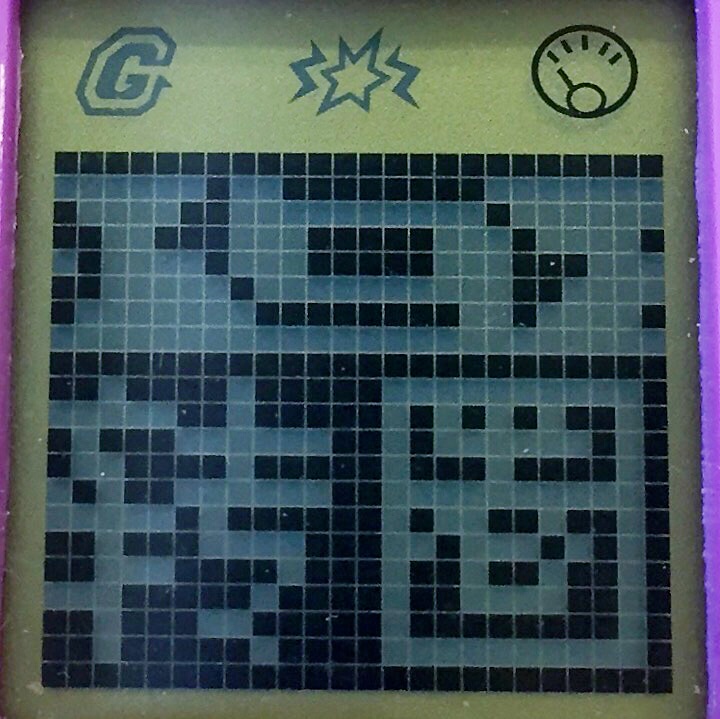 |
To play Circling, make note of the directional arrows, and the number beside them. For a left-pointing arrow, use the A button. For a right-pointing arrow, use the B button. Press the corresponding button for the amount of times that shown next to the arrow. Press the top arrow first, then the bottom arrow. For example, if it shows a left arrow on top with "x 2" next to it, then a right arrow below with "x 1" next to it, press the A button 2 times, then press the B button 1 time. If you entered the directions correctly, your pet will circle in the directions you entered, and you will receive wisdom points after three successful rounds. |
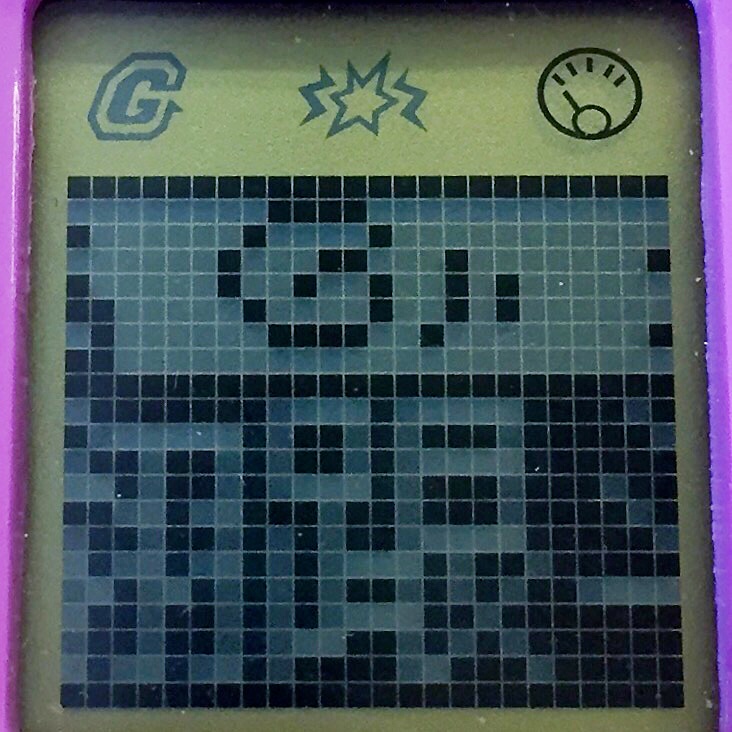 |
Tumbling unlocks after you have earned 200 wisdom points. Press the B button when the circle in the corner of the screen fills in. It will become a filled circle three times for your pet to do a full flip. If you succeed three times, you win. |
More training games will be added as I unlock them.
Unlocks
Achievements
Companionship - 20% closeness
Inseparable - 40% closeness
Darling Little Pet - 300 Wisdom
Clever Little Pet - 500 Wisdom
Training Games
Circling - 200 Wisdom value
- Details
- Category: Guides
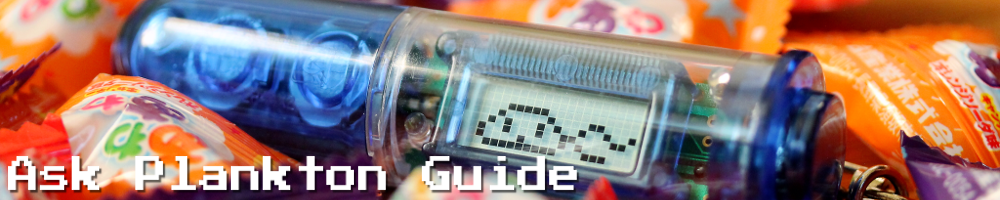
The Ask Plankton pet by Bandai is a very simple virtual pet that does not require care, but allows you to breed new plankton characters and divine your fortune! The plankton you can get are ADORABLE!
Physical Features
This pet is shaped like a test tube. The bottom piece can twist off to expose the reset button as well as the screws to open the battery compartment. There is a button at the top called the knock button. This is how you will interact with your plankton.
Startup
When you first start your plankton, you will be on the amoeba screen. Press the knock button. A short animation will show. You will start out with two plankton in your repetoire, the active Bifiru and powerful Konkon. After you see these characters appear on the screen, you will be taken back to the amoeba screen, and you can begin play.
Auto-Off
The screen has an auto power-off function, so if you see a blank screen, don't panic. If you don't press the knock button for 4 minutes, the screen will automatically shut off to conserve energy. Press the button to turn the screen back on.
Catching Plankton
You will see a rectangular box in the middle of the screen, and lots of plankton swimming around it. When you see a plankton swim into the left-side of the box, quickly press the knock button to catch it. If you succeed, you will see GET pop up on the screen, and two lights will flash. You have the first plankton caught. Repeat this step to catch a second plankton in the right-side of the box. Once you have caught two plankton, they will either fight each other for survival, or breed. If they are two different plankton, they will fight each other, and one will be the winner. If they are the same kind of plankton, they will breed, and you will get a new plankton for your collection!
Happy Points
Once you collect a new plankton, you will see how many points in will earn or lose for you in happy points. The points are divided into love luck, money luck, study luck, and health luck. Each plankton will earn or lose points for you in each category.
Info Screens
To see your current status, press and hold the knock button for more than 3 seconds. You will see KEEP pop up on the screen. It will show you the following:
- How many different plankton species you have caught
- Love Score
- Money Score
- Health Score
- Study Score
- Plankton Name
- Plankton Animation
The plankton name and animation screens will repeat for each different plankton you have. The status screens will restart, and continue to cycle until you press the knock button, then you will return to the amoeba screen.
End Game
Once you have collected 7 plankton, you will learn your fortune and fate! Muahahaha! The screen will show you your end scores, and your advice message. If you wish to begin playing again, press and hold the knock button. You will see the start screen again, and start back with two plankton again.
Characters
Check the chart below to see what characters you may get. The ones listed aren't all the characters available. There are some secret ones!

- Details
- Category: Guides

The Pet'z Babe toys are animated animal alarm clocks. They are very simple, and easy to care for. They will sing songs, and even sing together.
Setting the Date
You will start by setting the current date. Use the + and - buttons to set the month, then hit the M (mode) button to select the day. Hit M once again to set the year.
Setting the time
For series 1, press the Time button to display the current time. For series 2, tap the top of the head to display the current time. Press and hold the M button while the time is still displayed on the screen. Use the + and - buttons to select the hour, then hit the M (mode) button to select the minutes. Hit the M button, then use the + and - buttons to select whether you want it to display a 12 hour clock or 24 hour clock.
Setting the Alarm
For series 1, press the Time button twice to display the alarm time. Use the + and - buttons to set the hour. Press the M button to select the minutes, then use the + and - buttons to set them. Hit the M button again, and use the + and - buttons to set the alarm on or off. If you see the asterisk symbol in the upper-right hand corner, then the alarm is on. By default, the alarm is off.
For series 2, hit the M button twice to display the alarm time. Use the + and - buttons to set the hour. Press the M button to select the minutes, then use the + and - buttons to set them. Hit the M button again, and use the + and - buttons to set the alarm on or off. If you see the asterisk symbol in the upper-right hand corner, then the alarm is on. By default, the alarm is off.
Sing a Song
To have your Pet'z Babe sing you a song, press the music note button. If you want two Pet'z Babes to sing together, make sure their IR ports are facing each other, then press the music note button on both of them at the same time.
Care
To care for your Pet'z Babe when it needs something, hit the Time button on the series 1 pets, or tap the head on the series 2 pets. This will give the pet whatever it needs. They can call for food, water, temperature changes, medicine, clean up poop, or play time.
Review Video
https://www.youtube.com/watch?v=VzQ-nbYntKE
- Details
- Category: Guides
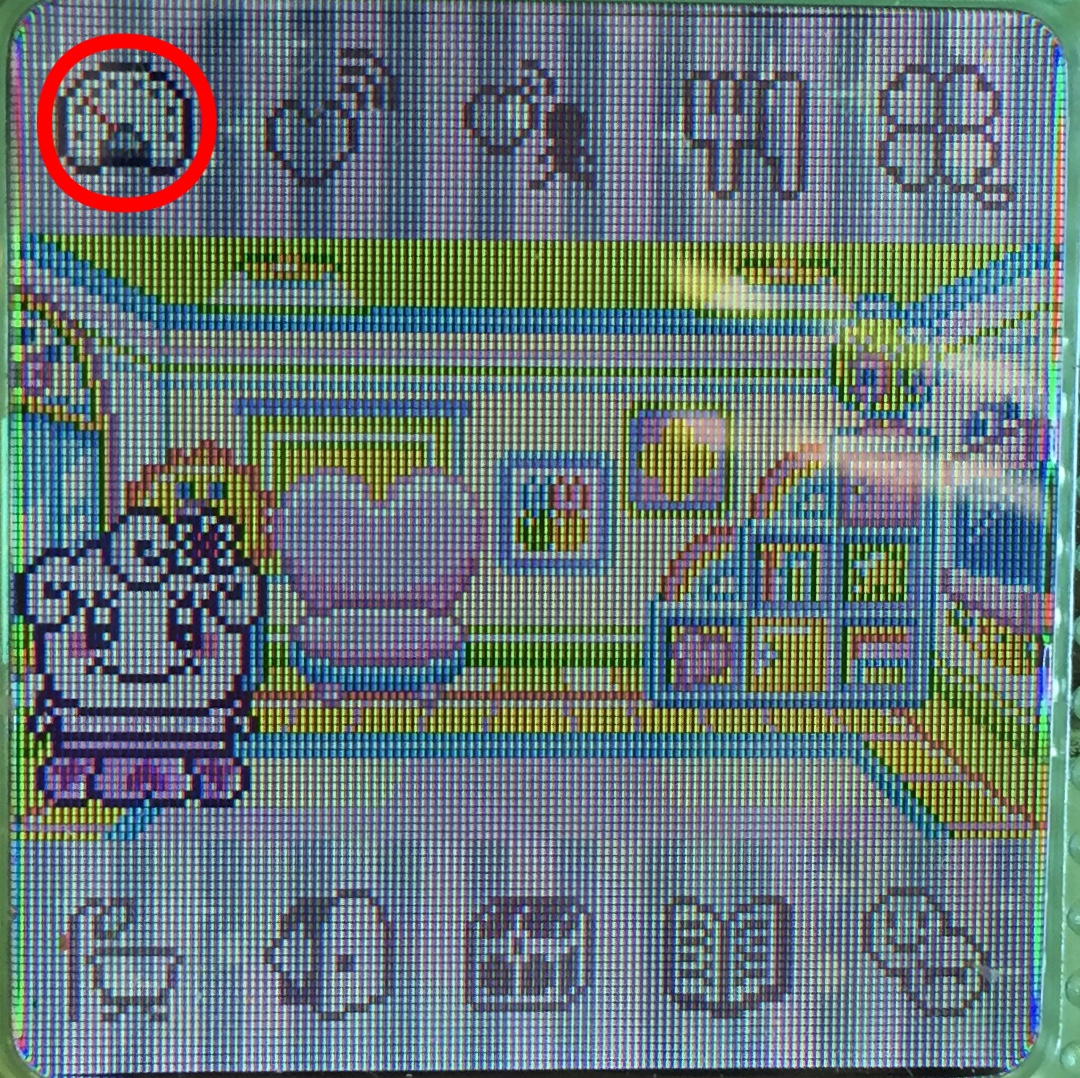
This is what the default menu will have on it when you first start up your 4U+. As you play, you will unlock more options.
Menu
 |
|
 |
|
 |
|
 |
|
 |
|
 |
|
 |
|
 |
|
 |
|
Status
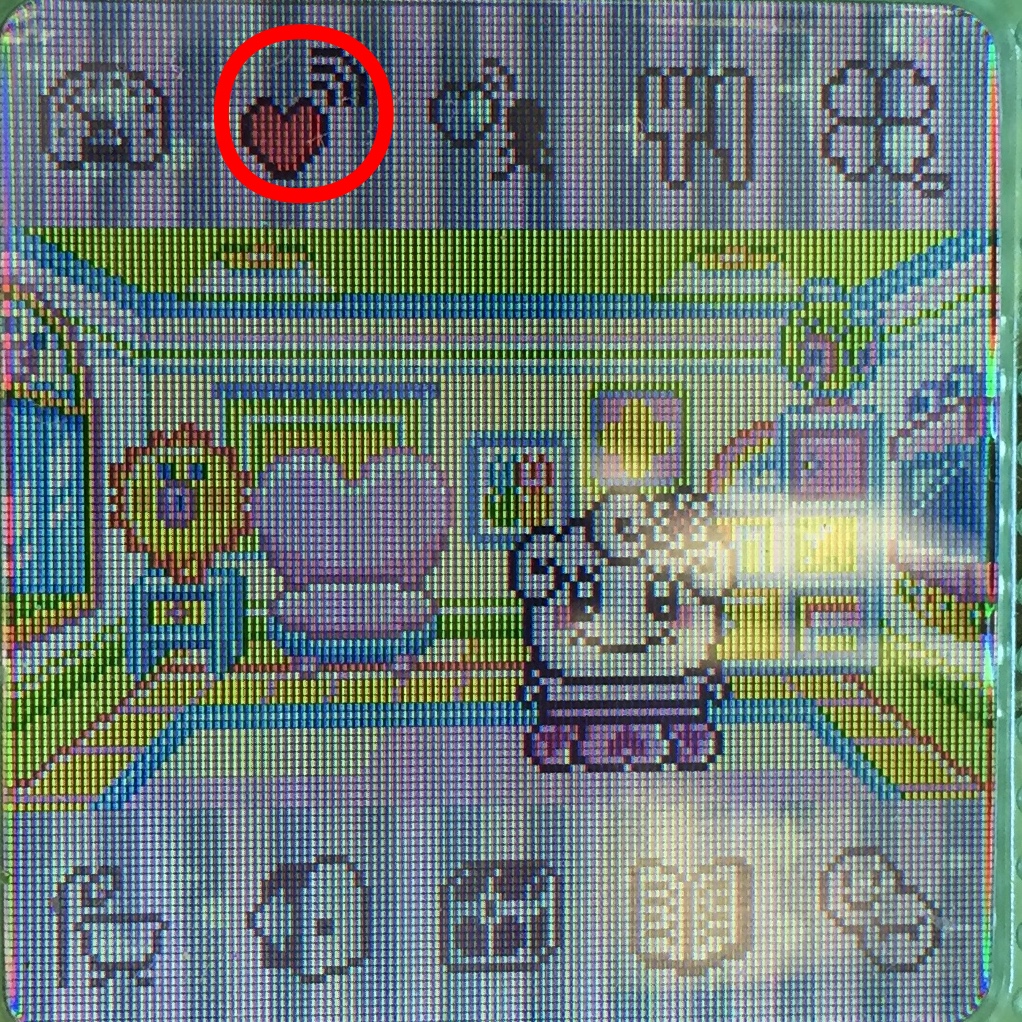
The first menu item is where you can check the status of your tama as well as edit the settings. Under character parameters, you will see the stomach and happiness meters, character name, gender, age, weight, gotchi gold, basic skill stamps, school skill stamps, and earned clover leaves.
Skills
Tamagotchis in the 4U plus can learn skills. The third screen under character parameters will show the stamps for skills that your tama has earned. The top row is basic skills. The bottom row is school skills.
Basic Skills
The basic skills are potty training, cleaning, and bathing. Your tama will silently call you to do these actions. You can only obtain these skills while your tama is a toddler.
If they need to use the bathroom, you will see a poop icon in their speech window. Select the toilet option under the icon shaped like a bathtub. After your tama has used the toilet, select the praise option located under the clover icon. If you do this three times, you will get the potty training stamp, and your tama will be able to go to the bathroom by themselves. No more poops in the living room!
If your tama needs to clean up the house, you will see a toy block going into a box icon. Select the cleaning locker option under the bathroom icon to clean the house. After your tama has completed this, select the praise option located under the clover icon. If your tama completes this two times, it will earn the cleaning stamp. It will then learn to clean up after itself. It will always call to cleanup at 6PM.
If your tama needs to bathe, you will see a toothbrush and bath tub icon. Select the bathing/toothpaste option under the bathroom icon. After your tama has completed this, select the praise option located under the clover icon. If your tama completes this two times, you will get the bathing stamp, and your tama will be able to bathe themselves.
School Skills
The school skills are the bottom set of skill icons. You can learn inventing, fashion, sports, art, and cooking. You can only get these skill stamps as an adult. In order to attend school, you must purchase the first 5 items in the item shop at Tama Depa, plus the study set. Classes are available from 7AM - 4:59PM. In order to earn a subject stamp, your tama must attend several classes. Certain characters will be better at some subjects than others. They will quickly earn the stamp for the subject they are adept at. It will take much longer for them to learn the subject they are bad at. You need to go to a class over and over until your tama learns the stamp. Don't give up!
Learning skills can earn you money when someone requests that you make something for them. You can find these people in your garden at 8AM, 1PM, and 5PM. There are also certain adults you can get once you have earning skills.
Clover Leaves
The clover leaves are the equivalent of the four friendship points present in many other color tamagotchis. In order to get that character's stamp, you need to get all four clover leaves. The first three are from giving the character food or items that it loves. The fourth clover leaf is from keeping an adult character for 72 hours.
Profile
Under profile, you can enter information about yourself. Hit the B button, then hit the A button to cycle through the items. Hit B when you want to edit one. This is mainly for fun, and does not affect gameplay.
Settings
In the settings option, you can set time, brightness, and sound, but you can also change the background displayed behind the icons. You will start off with four options, and can unlock more with continued play.
Connection
When you want to connect two 4U+'s together, you select the connection on one tama instead of both. This is different from the other color versions, and the connection series. Make sure the tama you are connecting to has it's screen lit up. It will not connect if the screen is off. Place the tamas side-by-side, select the connection option you want on one of the tamas, and the connection will begin.
Greeting
The greeting option allows your tamas to meet and exchange profiles.
Tamagotchi 4U
The Tamagotchi 4U option allows you to connect to 4U's and 4U+'s. You can play a game, exchange items like food and toys, take a photo together, or propose marriage.
4U App
The 4U App option allows you to connect your tama to the 4U App on a compatible Android device with NFC capabilities. Just because your device has NFC does not mean it will work. Mr. Blinky has also developed an English language version of the app, which you can download here.
With the 4U App, you can add food, toys, games, travel destinations, and more. This is the new way to get content on your tama replacing IR transfers.
Touch Spot
The Touch Spot option allows you to connect your 4U+ to a touch spot located in stores around Japan, or retrieve content from a touch card that is sold separately. Mr. Blinky's English app has much of the content from Japanese touch spots available for download.
Bump Items
This menu gives you a list of games that you unlock by NFC "bumping". You do not have to always download something from the 4U app to get a "bump". As long as you are logged into your Android device, and your tama's screen is on, you can place them back-to-back, and get a "bump". You may do this many times to unlock more items.
Food
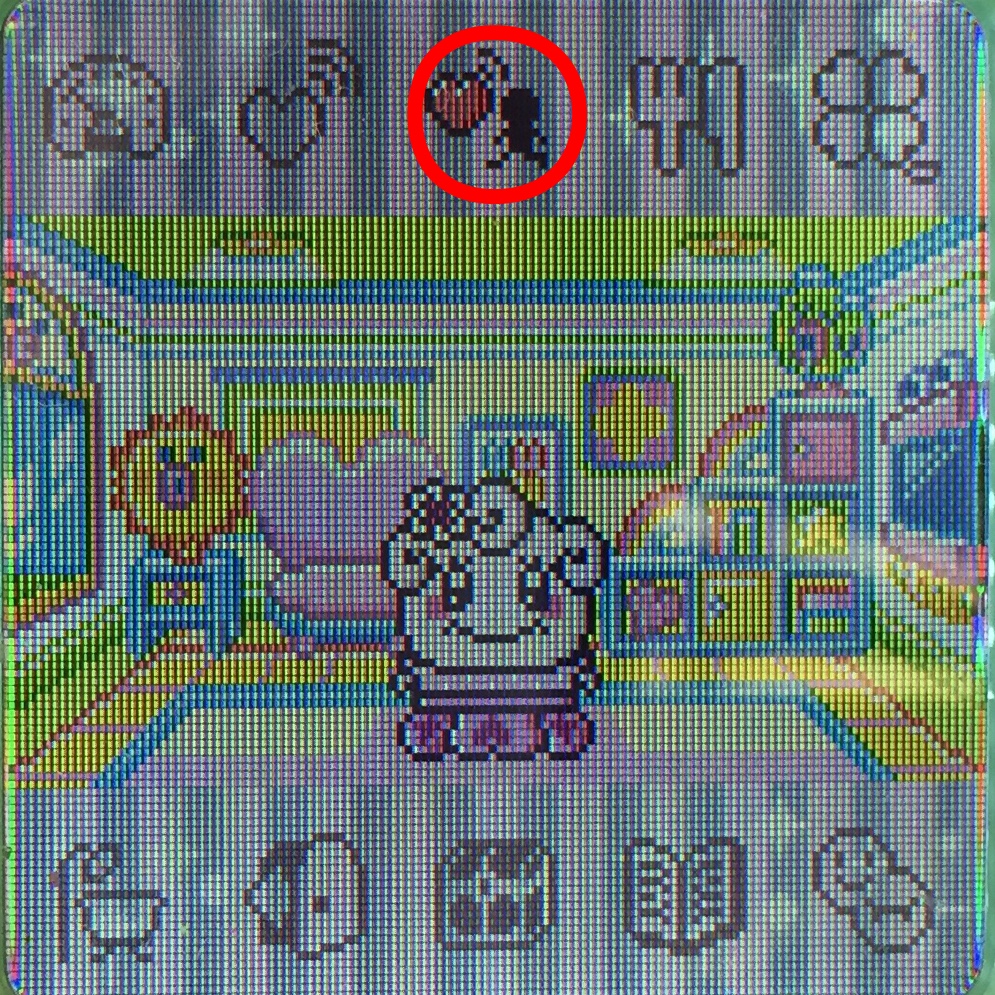
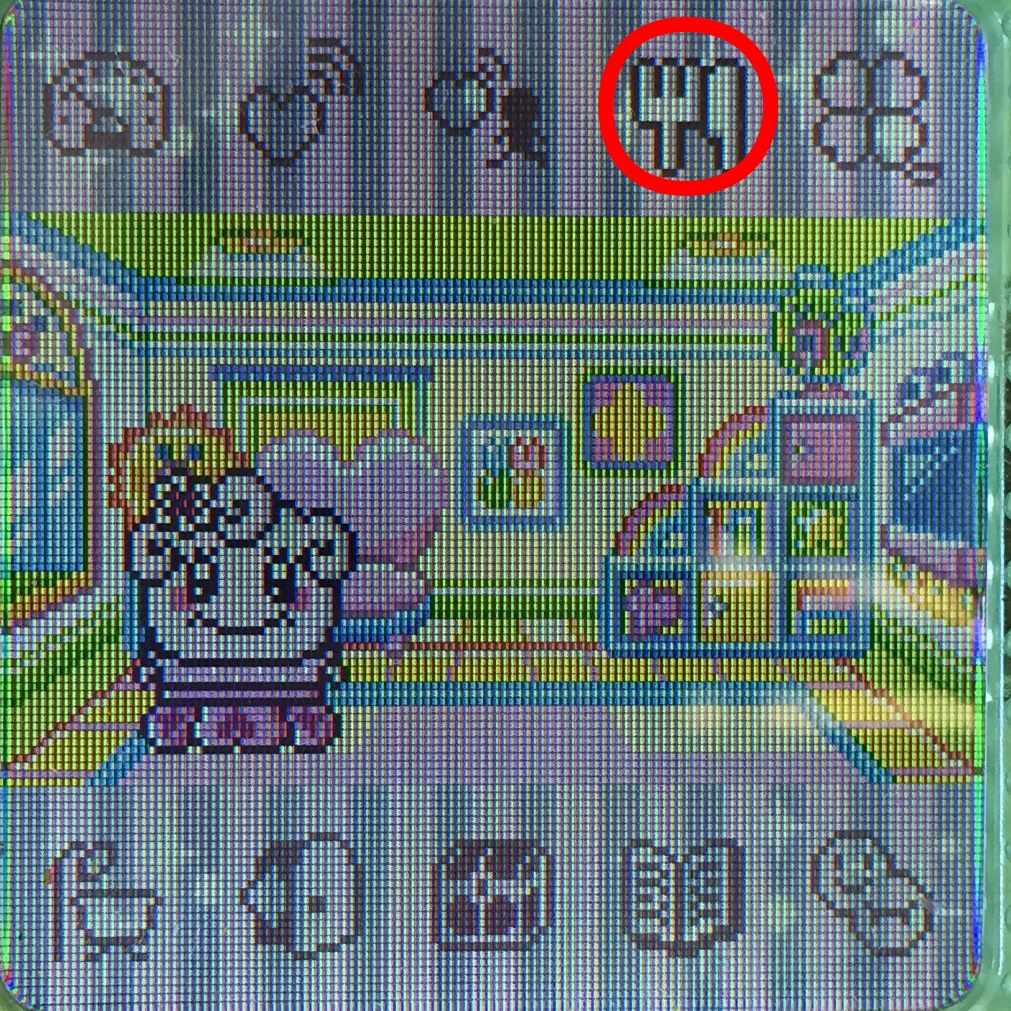
This is the menu where you can feed your Tamagotchi. The first option is to feed them from the refrigerator at home. The second option is to travel into town, and have them eat at the Cafe. The default foods for the refrigerator is rice and a biscuit. Your tama will only like rice when it is young. Once it is an adult, it will be a hated food. If you feed it to an adult tama, they will be grossed out and throw a fit. Sometimes when you feed your tama at home, they will jump around the kitchen, not eat their food, fart, and throw around chairs. This is incredibly annoying, and what is worse is that you can never teach your tama not to do this. A big oversight in my opinion. You need to scold your tama after they do this, but this is something they will
Clover Care
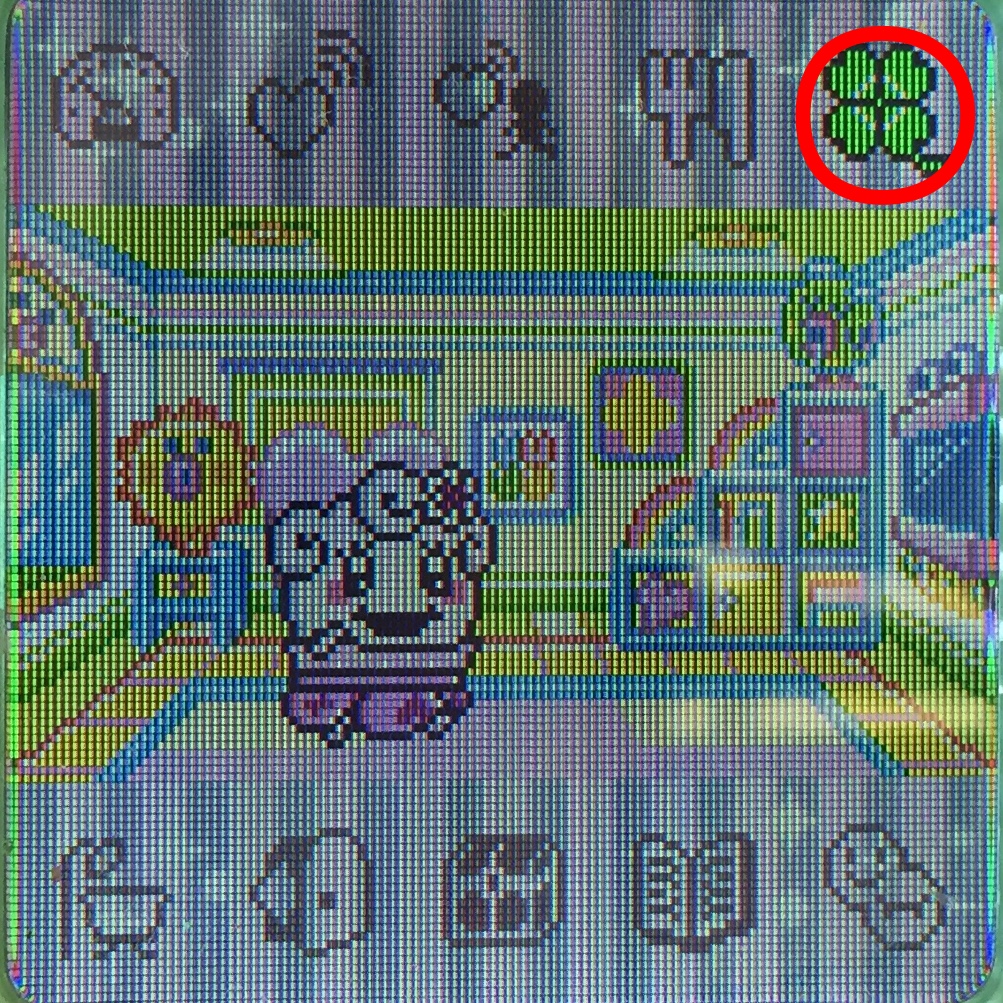
The clover icon is a general care menu. From here, you can praise or scold your tama to teach them basic skills. You can also talk to your tama, and gain happiness. If your tama becomes sick or gets a tooth ache, you can use the care option to heal them.
Tama Sitter
The last option allows you to call the Tama Sitter. The Tama Sitter is just like a babysitter. If you know you won't be able to tend to your tama, you can pay for the Sitter Poketchi to come to your house to watch them. They will keep them fed and happy while you are busy.
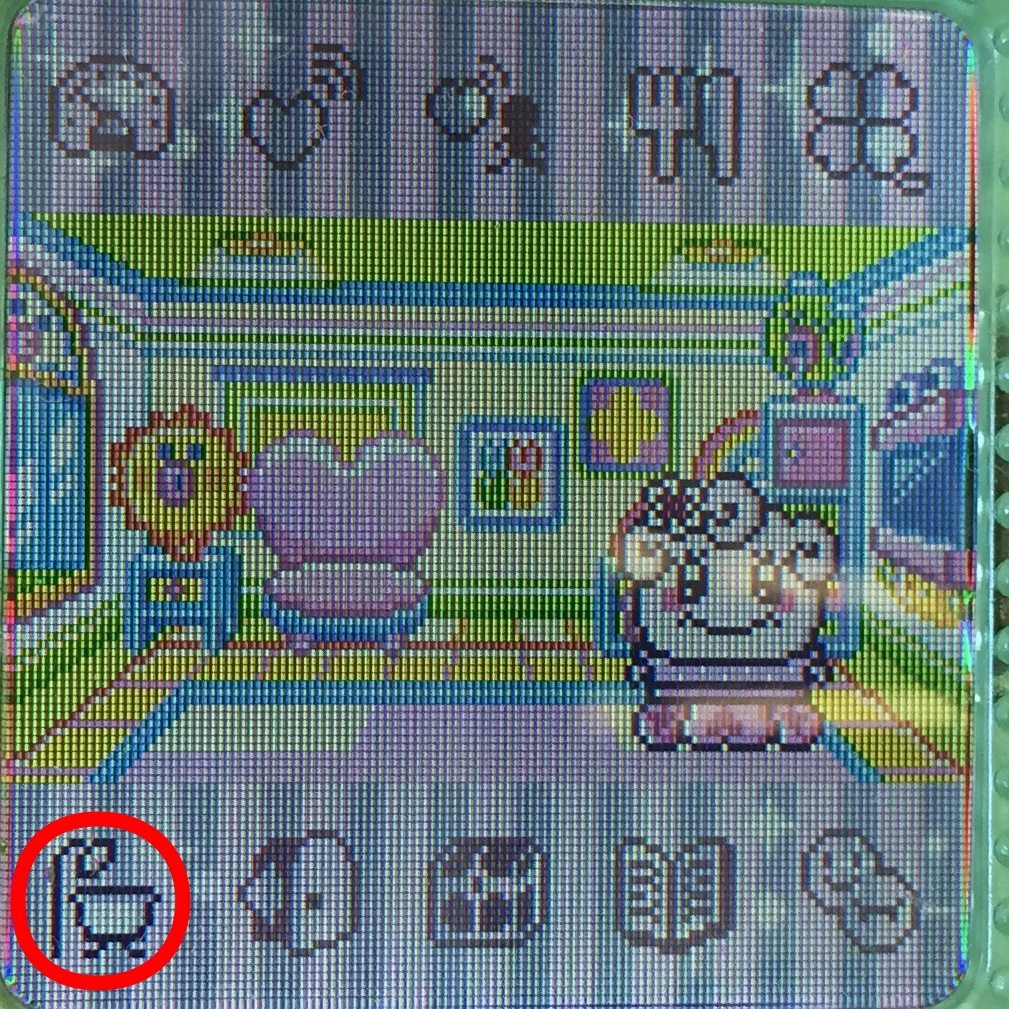
Bathroom
The bathroom option lets you clean poop, place your tama on the toilet, bathe them, brush their teeth, clean the house, or access their closet. If your tama poops, you can choose the toilet option to clean it up. If your tama has the poop icon in their speech box, or if they are doing the "gotta go" wiggle, you can take them to the toilet to poop there.
Bath/Brush Teeth
If your tama turns brown, it means they are dirty, and need a bath. Choose the Bathing * Toothpaste option to have them take a bath or brush their teeth.
Clean the house
The cleaning locker option will have your tama clean the house. Sometimes if they are playing with blocks, they will make a mess of the living room. Select this option to make them clean up after themselves.
Closet
The closet option allows you to access the outfits and accessories you have purchased for your tama. If you have not purchased anything, the options will be grayed out.
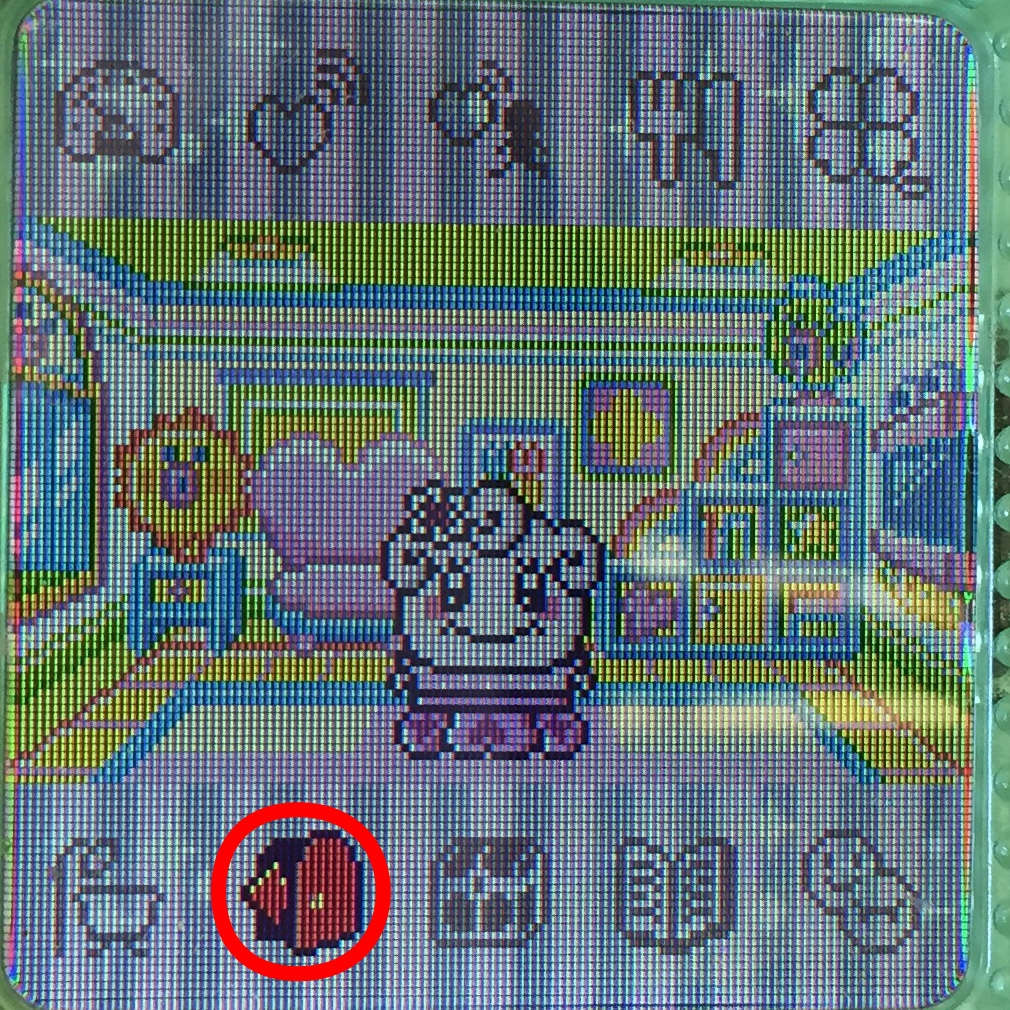
Door
The door icon is where you can have your tama leave the house, and visit different places around Tama Town. You can go to Tama Depa, the park, school, or the Matchmaker.
Tama Depa
At Tama Depa, you can play games, purchase renovations for your living room, purchase items/toys, and buy outfits and accessories. The games corner is how you will earn gotchi gold to purchase renovations, items, clothes, and food. If you want to easily get gotchi gold, Mr. Blinky has created a 4U version of his EZGOTCHI game, which will automatically give you 9999 gotchi gold. You can download that from his English 4U app here.
Park
The park is where you can meet many different characters, go on dates as an adult, and see special events. There is always something different going on here throughout the day.
School
At school, you can learn the school skills. These include inventing, fashion, sports, art, and cooking. As stated in the skills section:
You can only get these skill stamps as an adult. In order to attend school, you must purchase the first 5 items in the item shop at Tama Depa, plus the study set. Classes are available from 7AM - 4:59PM. In order to earn a subject stamp, your tama must attend several classes. Certain characters will be better at some subjects than others. They will quickly earn the stamp for the subject they are adept at. It will take much longer for them to learn the subject they are bad at. You need to go to a class over and over until your tama learns the stamp. Don't give up!
Matchmaker
Almost everyone's favorite location. The matchmaker! Once you get the stamp for your 4U, you can send your tama to the matchmaker's to get hooked up, and create a new generation of tama. You can always marry two opposite gender 4U+'s, but this option is great if you only have one, or only have one running. You will get to choose from 3 different bachelors/bachlorettes. If you have your tama's stamp before you go, your tama and it's spouse will have a special animation sequence of dating. If not, they just get married, and plot out a kid.
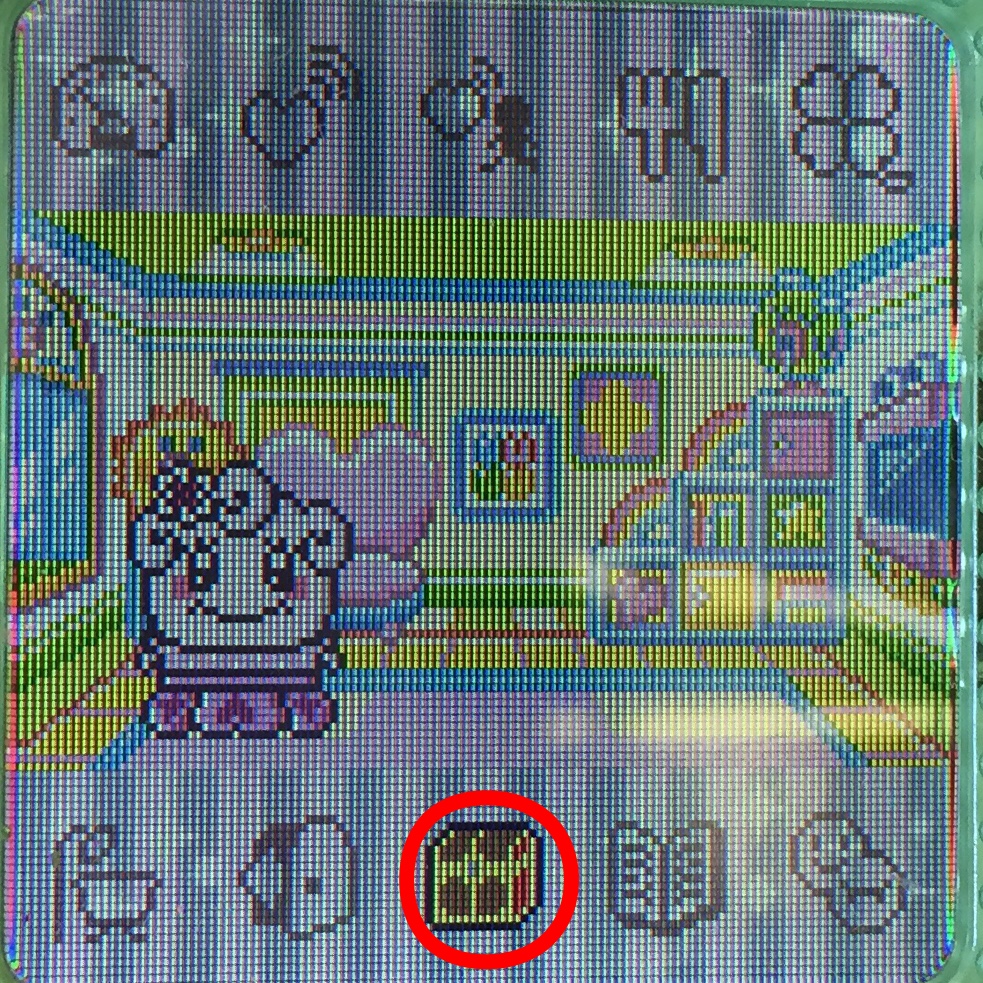
Treasure Chest
The treasure chest icon will give you access to your items/toys, special items, bingo cards, and coupons. You can get special items from special events, and bingo cards come from connection "bumps". Coupons can be obtained from certain characters that show up in your garden.
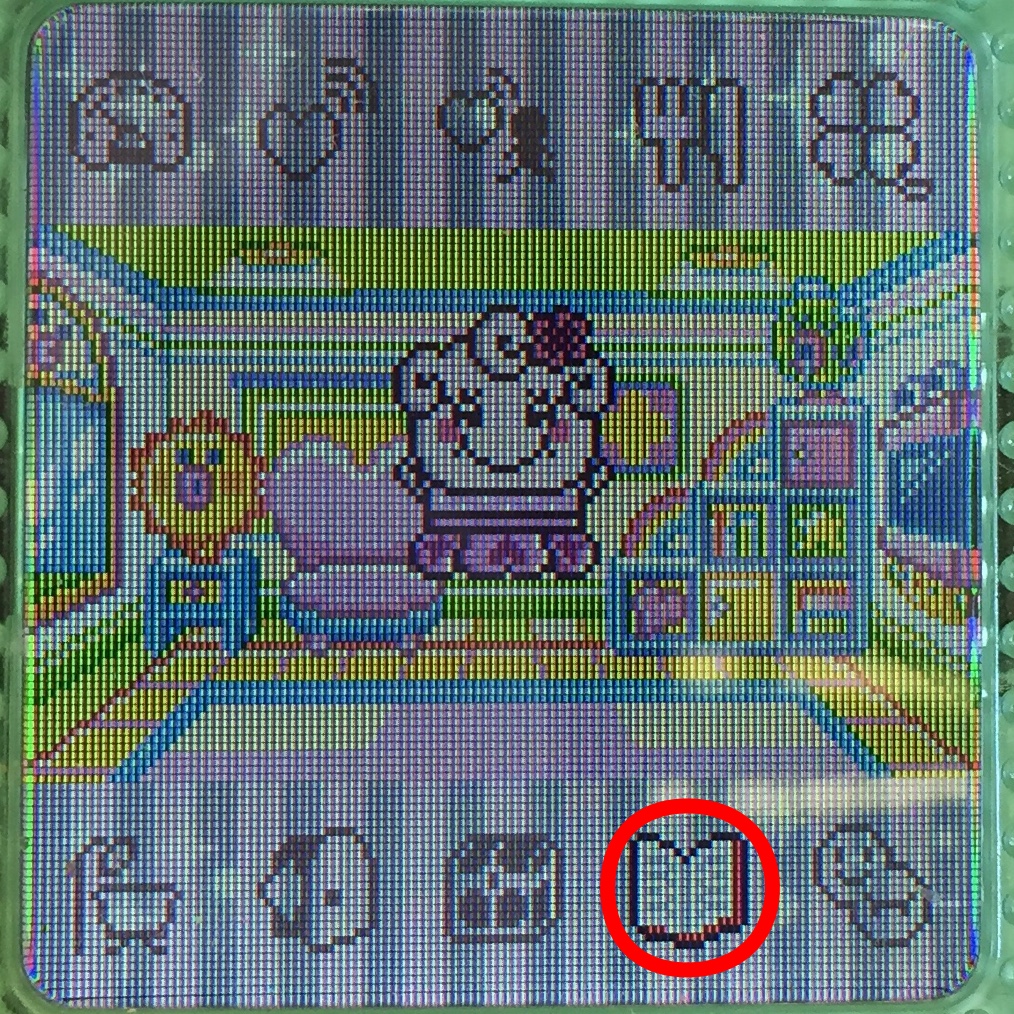
Notebooks
The notebook icon houses all of the notes about your Tamagotchi's progress. You can view which Tama characters you have earned a stamp from, the friends you have connected with, commemorative photos you have taken with friends, previous generations, and seasonal decorations.
Download Limits
The 4U and 4U+ can only hold so many download items. Here are the limits:
Meals: 20
Snacks: 20
Wallpapers: 10
Item: 15
Games: 2
Clothes: 5
Accessories: 10
Destinations: 4
Coupon: 1
Bingo:1
Gashapon: 1
Characters: 8
Seasonal Decorations: 4