Keitai Akai Review

    Growth chart : http://tama-zone.com/index.php?showtopic=11697&view=findpost&p=2592109

    Item Codes: 

    In order to put in an item code, nativate to the connection menu, select the last option, then the first option followed by the first option again. You will see a screen where you can start entering in numbers by using the "A" and "B" button.

    CODES COURTESY OF TAMA-ZONE - orginially posted here: http://tama-zone.com/index.php?showtopic=124&view=findpost&p=663789

    Meals & Snacks

    00010 00001 melon 1200

    00020 00002 lobster 1100

    00030 00003 escargot 900

    00040 00004 squid 700

    00050 00005 pastry 520

    00060 00006 crepe 530

    00070 00007 creme puff 150

    00080 00008 octopus-shaped hotdog 100

    00090 00009 fish sausage 130

    Seasonal & Locale-specific Meals, Snacks, and Items

    00001 00001 New Years' seafood 600 January

    00011 00002 chocolate 750 February

    00021 00003 cookie 760 March

    00031 00004 ume (pickled plums) 560 June

    00041 00005 flavored shaved ice 530 August

    00051 00006 baked potato 600 October

    00061 00007 Christmas cake 880 December

    00071 00008 corn on the cob 300

    00081 00009 can of sealion meat 830

    00091 00000 cherries 250

    00002 00002 zunda mochi 780

    00012 00003 natto 150

    00022 00004 wind chime 1200

    00032 00005 peanuts 540

    00042 00006 fried shrimp 720

    00052 00007 toast 200

    00062 00008 monkey-shaped cookie 1300

    00072 00009 tako-yaki 600

    00082 00000 rice cracker 160

    00092 00001 Buddha statue 1450

    00003 00003 oyster 950

    00013 00004 seafood 180

    00023 00005 pig feet 850

    00033 00006 shochu (liquor) 1000

    Character-Specific Items

    00014 00005 balloon 350

    00024 00006 ball 150

    00034 00007 skipping rope 540

    00044 00008 trumpet 1200

    00054 00009 plush toy bunny 300

    00064 00000 computer 1500

    00074 00001 eye glasses 600

    00084 00002 top hat 540

    00094 00003 roller skates 1120

    00005 00005 hoola skirt 1250

    00015 00006 wig 560

    00025 00007 sunglasses 520

    00035 00008 fan 1000

    00045 00009 bathtub 1200

    00055 00000 kerchief 520

    00065 00001 sword 1300

    00075 00002 fighting sticks 570

    00085 00003 cotton fluff 1350

    00095 00004 camera 1450

    00006 00006 shaver 1300

    Fancy Goods

    00016 00007 love potion 1700

    00026 00008 preventative medicine 2300

    00036 00009 diet potion 2100

    00046 00000 grave 5000

    00056 00001 palace 9999

    Travel Tickets

    00028 00000 Europe 1600

    00038 00001 South America 2000

    00048 00002 Oceania 1800

    00068 00004 Africa 1850

    00078 00005 North America 1650

    Free Items for KeiTama Akai Series

    07374 54648 heart key 

    07374 55647 ring

    07374 56646 flute

    07374 57645 plush toy animal

    07374 58644 wooden doll

    07374 59643 Ciao comic book

    07384 20006 mobile phone

    07384 21005 soccer ball

    07374 53649 bottle of pop


    Updated note: Please be aware that this video was created in 2010. This hack was done by rooting an Android device with homebrew software of the time. While this video shows that it can be done, I highly doubt any of the software mentioned in this video still exists. I do not own an Android phone anymore to do this for current phones.


    I played around with the Tamagotchi Angel and Monster cell phone ports again. I have posted a how-to video on youtube showing how to run these on an Android phone.

    If you would like to see how the ports run on a PSP, check out my other videos on my youtube channel.


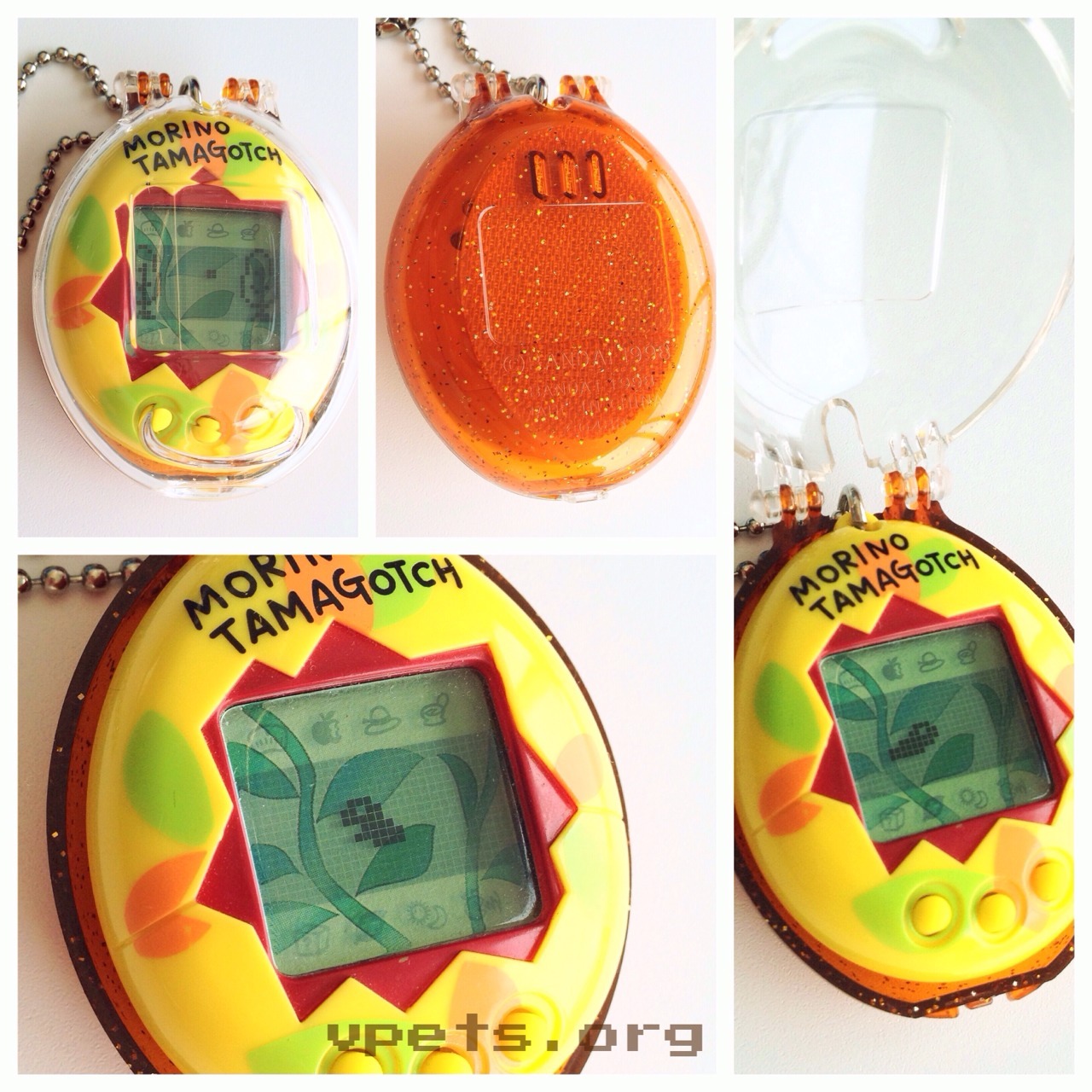
    Here is my unfinished Morino guide. I'm still gathering information for it.

    The information I have gathered for this guide is completely based on my experiences with the Morino. That way I can ensure the information here is accurate and not theories.

    Icons

    • Status
    • First screen - Hungry
    • Second screen - Happy
    • Third screen- Age,Weight
    • Fourth screen - Length (Kabutotchi only)
    • Food
    • First food - Leaf. This is the main food, and the only food for a baby.
    • Second food - During the Imotchi phase, this is the treat. During the adult stage, this is the special character-specific food.
    • Third food - During adult phase, the treat is placed here.
    • Fourth food - After 48 hours in the adult phase, the fourth food will appear.
    • Game - This is a guessing game. You must choose a hat four times to find a leaf underneath. 2 out of 4 wins. 3 or more wins fills up 2 hearts instead of 1.
    • Potty - Clean up poop!
    • Predator This icon will light up when your bug is being attacked by a foot or a frog. It will call out, the icon will light up, then hit A and tap the case or screen to scare the threat away. You will gain happy points each time you save your bug.
    • Medicine - Your bug cannot catch a cold, but it will need your medical care if you fail to save it from an attack. It will be bandaged up with a little cane. Select this icon to heal it.
    • Light - This will turn the lights on or off.
    • Attention - This is the attention icon. When your bug needs something, this will light up.
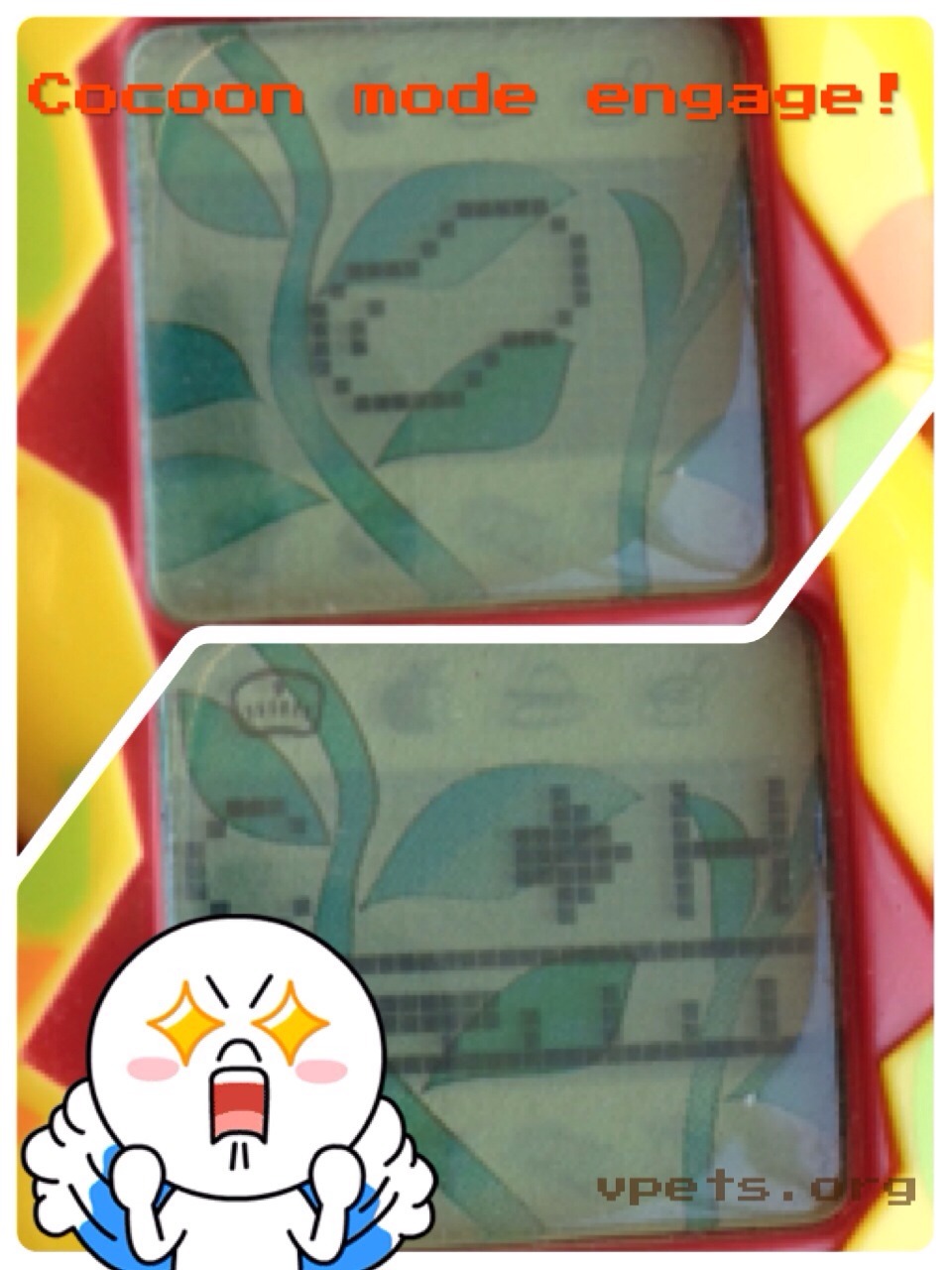
    • Thermostat - This is the feature of the Morino that people tend to have the most trouble with. The thermostat does not move instantly or quickly, and it must be monitored. Morino characters are either Warm or Cool characters. When it enters into its cocoon, you must select either the cold or hot option on the thermostat. It will remain in it's cocoon for 24 hours. It is best not to keep the thermostat in the middle, but to choose cool or warm. Thermostat temperature changes are as follows:

    THIS SECTION IS STILL BEING DEVELOPED AND TESTED.

    The thermometer tends to behave differently. I'm still pining down facts with the different temperature changes each thermometer has. So far, I have found an 8 hour, 10 hour, and a 12 hour thermometer. Their changes are different from each other. The eight hour thermometer is extremely sporadic while the 10 hour thermometer seems to be the most structured. I have not have much experience with the 12 hour, and am also not sure if it really exists. It will require more research. I believe the different thermometers are linked with weight. I also believe the thermometer might tie into the different cocoons. All of the prior will need to be extensively researched after I have worked on my character methods.

    Notes about Morino

    • The Polka dot egg can only hatch Kabutotchi.
    • The Morino has a screensaver feature. This can be quite annoying after a while, because you cannot watch for poop as easily. However, you can tell if your bug is injured, because the dot between the two trees will not move. You cannot tell which cocoon you have until it turns into an adult.
    • Attacks happen every 4 hours.

    Please be aware that this guide is old. Use at your own discretion.

    Updated: 07/08/2014

    This guide is to help those who are new to purchasing from Yahoo! Japan. If you live outside of the country, you will not be able to purchase from the auctions, as they require a Japanese bank account, and a Japanese shipping address. Sellers on YJP do not use Paypal, and they will not ship internationally. So how can you purchase from YJP if you live internationally? You can use a deputy service.

    The deputy service I use is Rinkya. I do not know the minute details of other bidding services, so the following information will pertain to Rinkya only.

    If you choose to purchase something from Yahoo! Japan after reading this guide, please note, I am not responsible for any fees you incur that you were not aware of. I have created this guide just as a quick reference to help others understand, but Rinkya's policies could change at anytime.

    Many people wish to buy from Yahoo Japan, because you can usually get better deals on rarer Japanese Tamagotchis. However, when making a purchase without fully understanding the system, you can often get quite a shock once all the fees are in place.

    If you choose to search for an item using the search tool, you need to use the Japanese characters. I normally use Google translate for my search terms, but they do not always translate correctly. You might find yourself searching through every page of Tamagotchis before you find the one you are looking for. Be sure to translate a listing's name for future searches! I tend to use the browse function rather than searching.

    How do you buy from Yahoo Japan?

    You will have to use a third-party deputy service to bid and receive the item for you. This guide uses Rinkya.

    All deputy services have tricky fees. While Rinkya is one of the more complicated services, their automated bidding system can really help you win the items you are after, since it will automatically bid for you. Services like Celga use live people to bid for you, and they could bid at any time. They also may not bid in time for an auction if there isn't much time left.

    Rinkya has their own exchange rate that they use. This is the rate they will use to calculate what your purchase amount will convert to from the Yen amount of your end price on the auction. Make sure you check this rate before you purchase. It is subject to change, but it always listed at the top of the page.

    How does bidding work with a deputy service?

    Rinkya uses an automated system. If you bid on an item, their systems will instantly put the bid in for you. This is equivalent to bidding on Yahoo Japan yourself. Rinkya requires that you authorize a credit card on your account. This will not actually charge you, but your bank may hold the funds for a few days.

    What does Rinkya charge?

    This is the trickiest part of a deputy service, and the thing that confuses buyers the most. They list the fees on their sites, but it can be very difficult to understand. I will try to explain as best as I can and hopefully paint a better picture.

    Purchase price - This is the amount you bid on the item. You bid in yen, so make sure you use their conversion rate to know how much you are bidding.

    Bank fee - Yahoo Japan auctions use bank transfers to pay and receive. These transfers are not free like with paypal purchases. Almost all sellers will add on the bank fee to your final purchase price.

    Commission - This is the most difficult to understand fee. This is the deputy service's charge for bidding on the auction for you. You can calculate the commission that Rinkya will chare using their Commission Calculator.

    Rinkya is a $15 base commission fee for auctions over 1,000 yen, and $1 for each additional 1,000 yen after that. Auctions 1,000 yen and under have free commission. Items between 40,000 and 100,00 yen, have a flat-rate of $40. Any items over 100,000 yen receive a $60 discount. (These prices are in USD.)

    Handling fee - This is the fee of shipping the item from the seller to the deputy service. Rinkya combines tax, bank fees, and internal shipping (shipping from the YJP seller to the Rinkya warehouse) into the handling fee. It is a flat $15 free unless the combined fees exceeds $15. After that, you must pay whatever extra the seller charges Rinkya.

    International Shipping - This is the cost of shipping the item from the deputy service to you. Rinka will hold items for you for 60 days in order to save money on shipping. There is no flat fee for international shipping. This fee is difficult to estimate. You will not found out what it is until you request to ship it, then you are required to pay whatever the amount is. It is best to ship multiple items together in order to save on shipping. Be aware that a single Tamagotchi might cost $15 to ship. There are also seven shipping options to choose from. From slowest to fastest they are Cheapest Method (Excluding SEA), Cheapest Method (including SEA), SEA, SAL, Small packet, EMS, and Rinkya Prime. Rinkya Prime is the fastest and most expensive. It uses FedEx, but is the most secure. I usually request EMS shipping, so that it isn't too long for my items, and they are tracked and insured. Rinkya will also upgrade my shipping to Rinkya Prime automatically if it ends up being cheaper than EMS. I use these methods, because I usually ship around 60 items at a time. Please use the method you are most comfortable with.

    What is internal bidding?

    Internal bidding is when you wish to bid on something that another customer of Rinkya has bid on. The service will not tell you the maximum bid placed by the other bidder, but if your bid exceeds their maximum bid, then you will win the item even at bidder A's maximum bid. For instance, if bidder A bid 1,000 yen and bidder B bid 2,000 yen, bidder B would win the auction even if the auction ended at 500 yen and would pay 1,000 yen. Sales offers like no commission on auctions 1,000 yen and under no longer apply on internal bidding.

    What is the same seller, same day discount?

    If you purchase multiple items from the same seller, and the auctions end on the same day, you can get a discount on your handling fees. Rinkya will combine your all your handling fees. You will only pay more if the handling for all your items exceeds $15.

    I hope this guide has helped many of you understand how the process works and the many fees involved. I will update this as questions are asked and new information needs to be listed.


    I posted earlier a video about the Giga Farm. I have received inquiries about the crop feature which is difficult to understand, so here is a write up to help some of you understand this feature.

    Each animal you keep on the Giga Farm has different foods it eats. It is important to keep a good stock of crops to feed your animals. You can grow corn, beans, and wheat. The key to crops is when you plant and when you harvest. It is critical to how much yield you get from your seeds. Never let your seeds go below zero, you will have to reset if you ever want to plant that crop again.

    Planting needs to happen between 6 and 7am. Water increases your yield as it is the food for the plants. Compost is the treat and increases the potential of your field. Having animals on a field decreases its potential. Pigs are the hardest on a field.

    Harvesting your crops must happen between 3 and 6pm. If you harvest before this, you will not get any crops. It takes 10 seeds to plant a field, so be cautious of how much you have.

    What is the trick to it? Set the time for 6 to 7am, plant your crops, set the clock to 3 - 6pm, then harvest. I do not think it gives you as much yield as waiting through the day for them to grow, but it is a quick trick to get some food for your animals when you are running low or you miss the planting or harvesting time.

    Hope this helps!


    Page 9 of 12

    © 2026 Your Company. All Rights Reserved.